
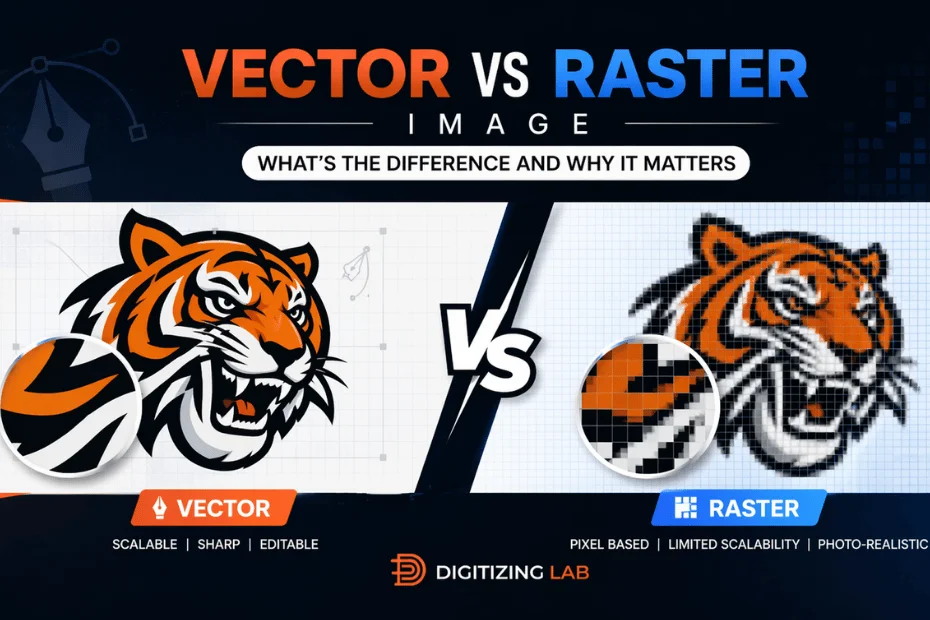
Vector vs Raster Images: What's the Difference and Why It Matters
In the spectrum of graphic design, one of the most daunting tasks for any designer is to choose between vector or raster images.
Both of these formats play an important role in managing the quality, scalability, and versatility of the logo design - mainly when it’s acquired as a custom patch. Regardless of the intent, for example, if you are creating embroidered patches, printed patches or even heat-transfer designs, selecting the right format for your patch matters a lot.
So, in this blog we will walk you through the key difference between raster vs vector images for patches. Perhaps, grab your favorite spot in the room and take your cup of latte as you will read the most amazing pieces explaining both terms.
Are you excited to explore it with us? Let’s get started then.
Difference between vector and raster - What’s the Best?
Raster graphics in custom patches are made up of pixels that are tiny dots carrying specific color information. While, combined together they form a complete image that is high quality, and smooth in terms of color gradient.
In the context of embroidery patches, raster-based designs are used to represent the complex visuals, like detailed artwork, shading, and photographic elements. Translating the pixel-based images into the stitches can be challenging and time-consuming.
However, custom patch production like embroidery - raster files lose the clarity, when resized resulting in blurry edges or less-defined stitching that affect the overall patch quality and visuals.
Bring Your Patch Designs to Life
Transform your artwork into premium-quality embroidery patches with expert digitizing for both vector and raster designs.
Get Started NowWhereas, vectors, on the other hand, are created using mathematical equations unlike raster images, which use pixels. Basically, it allows them to scale up to any size without losing quality metrics. Moreover, in the embroidery patches, vector designs are way better and practical than raster; it can be translated to stitch patches very quickly.
Note - Vector images are quick to handle, and come with sharp edges, clean lines and accurate shapes. Whereas, Raster images are more detail-oriented and rich in color gradients.
Vector Images - Ideal for Printing
Digitizing lab specializes in creating vector-based logos that are easy to retain and the sharpness is eye-catching. Here is a quick overview of the benefits of choosing them:
Key Benefits of Vector Images:
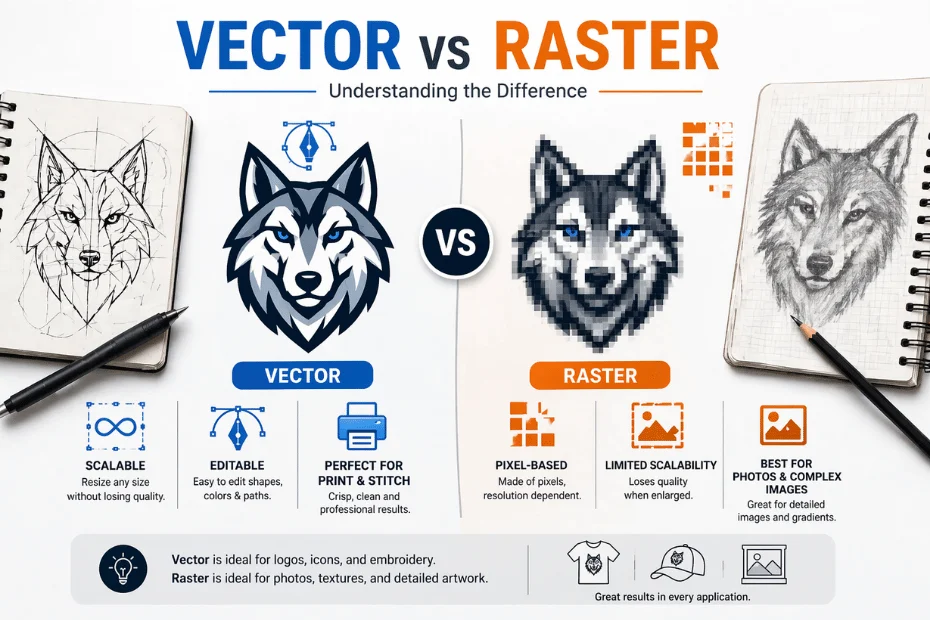
- Vector graphics for customized embroidery patches can be resized to any dimensions without losing the high quality. It makes them look perfect for every article.
- Whereas, the vector files are generally smaller in size as compared to raster files.
- It can be stored in databases easily and fetched instantly without taking hours for loading.
- All of the elements in the vector graphics are easy to be edited and modified without affecting the design of the logos.
- Vector logos are compatible with a wide array of print and digital formats.
These are some of the reasons answering the query “why vector is best for printing” and we hope you have learnt enough from it.
Raster Images - Resolution Dependent
Raster images are created through individual pixels. The most common raster file types include JPEG, PNG and GIF. Here is a quick overview of the benefits for choosing raster images for custom embroidery patches:
Key Benefits of Raster Images:
- Raster images can capture intricate details, making them perfect for complex visuals like photographs.
- They support seamless blending of the colors that is highly recommended for designs that require shading, depth and realistic transitions.
- Raster formats are widely supported across devices, and software making them easy to use.
- Raster images work perfectly for designs with tons of textures and patterns that are nearly impossible to be handled with vector graphics.
Why Vector Graphics Are Best for Printing
Whenever you are printing a design, specially a logo to be patched on any article, it should be sharp and compelling. While printing, the file format directly impacts the quality of the results.
According to a survey conducted;
- Vector logos are easy to print and come with a sharp visual. You can print them anywhere from pens to glasses, the quality remains the same.
- Whereas, raster logos are downloaded from websites and it will definitely look blurry and unprofessional or low quality.
Design Tip = Photos need to be 300dpi minimum - anything lower will degrade quality
Vector vs Raster Graphics - Quick Comparison
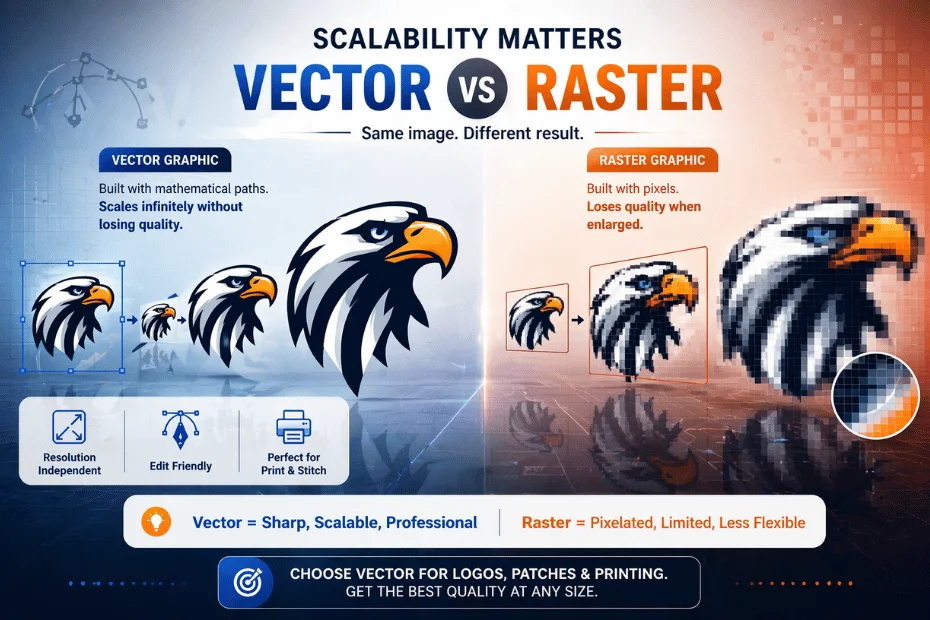
Here is a quick comparison between vector and raster graphics:
| Attributes | Vector | Raster |
|---|---|---|
| Definition | Made using mathematical paths | Made using pixels (tiny dots) |
| Scalability | Easily scaled without losing quality | Loses quality when resized |
| File Size | Mostly small | Usually larger |
| Best Use | Logos, icons, illustrations | Photos, detailed images |
| Editing | Easy to edit and modify | Limited editing flexibility |
| Formats | AI, SVG, EPS | JPG, PNG, GIF |
JPG vs AI File Format - What To Choose?
While choosing between JPG and AI file formats, the core difference depends on how these images are built and how they behave during the editing and scaling process:
JPG (Raster Format)
- JPG file format is raster.
- It is best for photos and detailed images.
- It loses quality when resized like it becomes blurry or pixelated.
- It is limited to editing flexibility once the image is saved.
- Good for reference images, but not ideal for direct embroidery digitizing
AI (Adobe Illustrator File - Vector Format)
- AI images are vector graphics.
- It’s best for logos, icons and clean designs
- The quality is best when enlarged without losing the quality.
- Vector graphics (AI) are fully editable.
For custom embroidery patches, AI files are the best and ideal choice for the businesses.
Bring Your Patch Designs to Life
Transform your artwork into premium-quality embroidery patches with expert digitizing for both vector and raster designs.
Get Started NowWrapping Up
Vector graphics are the ideal choice for logo design especially for embroidery patches. Whereas, raster graphics are useful for photographs or detailed images. For instance, websites and social media graphics are raster images. Whereas, logos, icons and illustrations are always vector as they are easy to edit.
You can collaborate with Digitizing Lab, a leading embroidery patches company that focuses on creating vector-based logos that can be easily transitioned to digital or print platforms.