
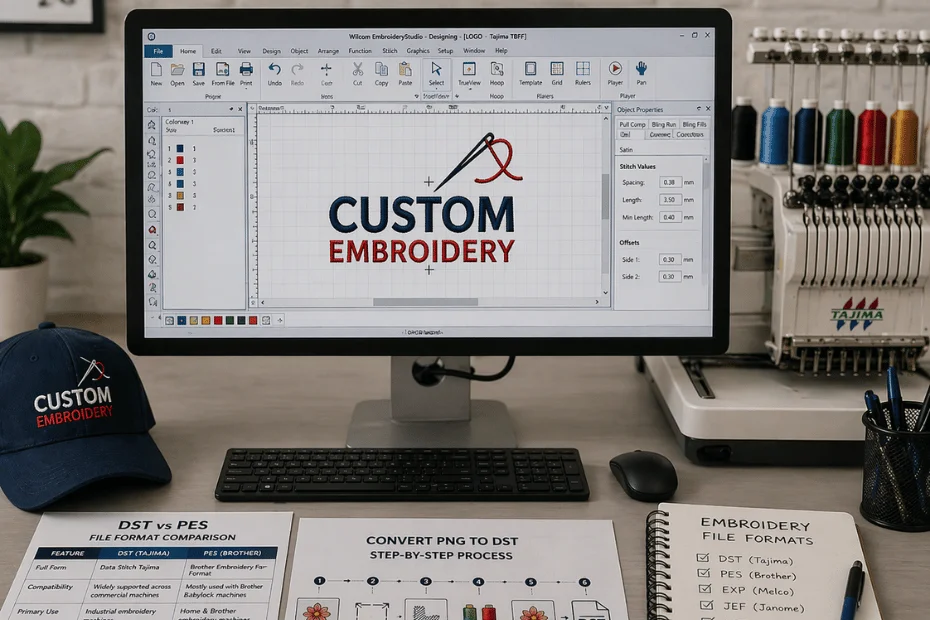
Best File Formats for Embroidery: DST, PES & More Explained
While working with any embroidery machine, it is important to choose the right file format that is essential for achieving clean, crisp and accurate results.
If you think embroidery machines read images like JPEG or PNG, then you are wrong. Basically, they do not read standard images. Instead they require specialized file formats that contain stitch data, directions and machine instruction.
In this article, we will guide you with embroidery file types explained, DST vs PES files and how you can convert PNG to DST.
Are you excited to explore the best file formats for embroidery with us? Let us get started then.
What is Embroidery File Format?
According to our prior research, embroidery file format is a type of digital file used to store all kinds of stitching instructions for embroidery machines. Yes, you read it right. These kinds of files contain all the information that an embroidery machine requires for stitching your design onto the fabric. It includes:
- Stitch type
- Stitch direction
- Stitch order
- Thread color changes
So, there is one tip that we are giving you, without proper formatting, your embroidery machine can never stitch.
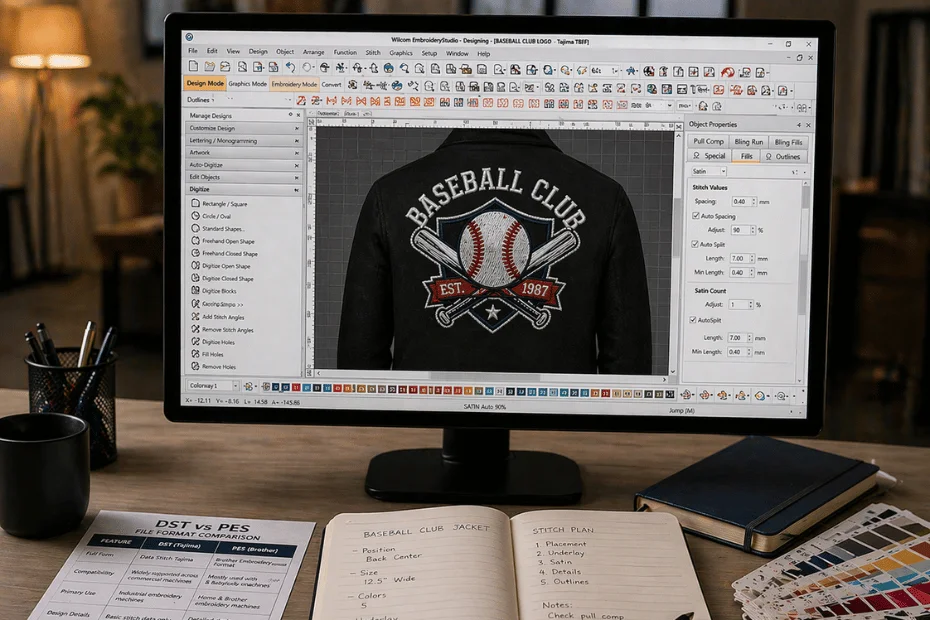
Common Embroidery File Types Explained
In this section, we are going to discuss the common embroidery file types so you may learn about them in detail:
1. DST File Format (Tajima)
The first embroidery file type explained is the DST file format that is one of the most famous embroidery formats. It is comparable with commercial embroidery machines and supports basic stitch patterns and data. However, it does not store color information.
DST file format is ideal for many embroidery machines, especially those from Tajima. It is best for professional and industrial embroidery machines. It is known as the best file format for embroidery.
When to use:
If you are running a commercial embroidery business then, DST file format is the best choice for you.
2. PES File Format (Brother)
PES file formats are most commonly used in home and SMEs embroidery machines. These file formats are used by Brother embroidery machines. It is supported by a variety of embroidery software platforms.
This file format stores color information unlike DST that does not support. It encourages more design details and is widely supported by Brother machines.
When to use:
If you are using a Brother embroidery machine or compatible software then PES ensures smooth and efficient flow of data.
3. EXP File Format (Melco)
EXP file format is used by Melco embroidery systems. It is somehow similar to the DST format but supports limited color information. Perhaps, reliable for commercial use as well.
When to use:
EXP file formats are best for Melco and Bernina embroidery machines. It supports some of the industrial multi-needle machines as well. It is ideal for high speed, repetitive embroidery jobs.
4. JEF File Format (Janome)
JEF file formats are designed for Janome embroidery machines. It stores thread color data and includes hoop size information. It is easy to use for Janome users.
When to use:
It is best if your embroidery machine is Janome. It ensures full compatibility and fewer stitching errors. It is easier to manage than industrial formats.
5. VP3 File Format (Husqvarna / Viking)
VP3 files are used by Husqvarna Viking machines. It comes with advanced stitch support, storing color and design details and optimized for high end machines.
When to use:
VP3 file format offers full compatibility and optimal performance. It supports high detail embroidery, and is ideal for logos, patterns and multi-layer designs.
DST vs PES Files - What is the Best File Format for Embroidery?
Now let us discuss the quick comparison between the DST vs PES file format:
| Attributes | DST File Format | PES File Format |
|---|---|---|
| Full Form | Data Stitch Tajima | Brother Embroidery Format |
| Compatibility | Widely supported across commercial machines | Mostly used with Brother and Babylock machines |
| Primary Use | Industrial embroidery machines | Home and Brother embroidery machines |
| Design Details | Basic stitch data only | Detailed design with metadata |
| Software Support | Supported by most professional embroidery software | Supported by Brother-compatible software |
| Color Information | Not included | Included |
So, the best file format for embroidery is neither DST nor PES. It depends entirely on usage. DST is universal whereas PES is detailed and easy to use.
One of the most asked queries is how to convert PNG to DST. We are going to explain it up here:
How to Convert PNG to DST
Here are the quick steps leading to the optimal conversion of PNG to DST:
- Choose Embroidery Software: Use tools like Wilcom, Hatch, Brother PE-Design and Ink/Stitch (Free).
- Import the PNG: Open the software and load the PNG design.
- Resize the Design (Important): Adjust to your required embroidery size like 4x4 inches or 5x7 inch. Keep the proportions correct to avoid any distortion.
- Digitize the Design: Convert the image into stitches manually or auto-digitize. Define stitch type, stitch direction and density for a perfect result.
- Assign Colors: As discussed before, DST will not store colors, assigning them helps with setup.
- Preview and Adjust: Check the stitch simulation and fix the gaps, overlaps and thread breaks.
- Export as DST: Lastly, save and export the file in .DST format.
How to Choose the Right File Format
The optimal way to choose the correct file format depends on your embroidery machine. The simple way out is to always use the format recommended by the machine manufacturer to avoid any mishap.
Why File Format Matters in Embroidery
If you choose the wrong file format for embroidery then the results will not amaze you. One wrong decision causes design distortion, missing stitch data, machine errors and poor embroidery quality. Therefore, choosing correct formatting ensures smooth machine operation and high quality stitching results.
Collaborate With The Digitizing Labs Today!
The Digitizing Labs understands embroidery file formats to a great extent and ensures high-quality results.
Connect with ExpertsFinal Thoughts
Whether you are a small-scale business or a large production firm, choosing the right file format ensures your designs are accurately digitized. Therefore, collaborating with us will help you achieve the right embroidery outcomes every time.